1. Turn the printer off
2. Hold down the printer’s Feed button and turn the printer back on.
- If your printer is a TSP100, wait until the blue light on the front starts to flash and then release the Feed button.
- If it is a SP700 wait until you hear the printer make a noise and then release the Feed button.
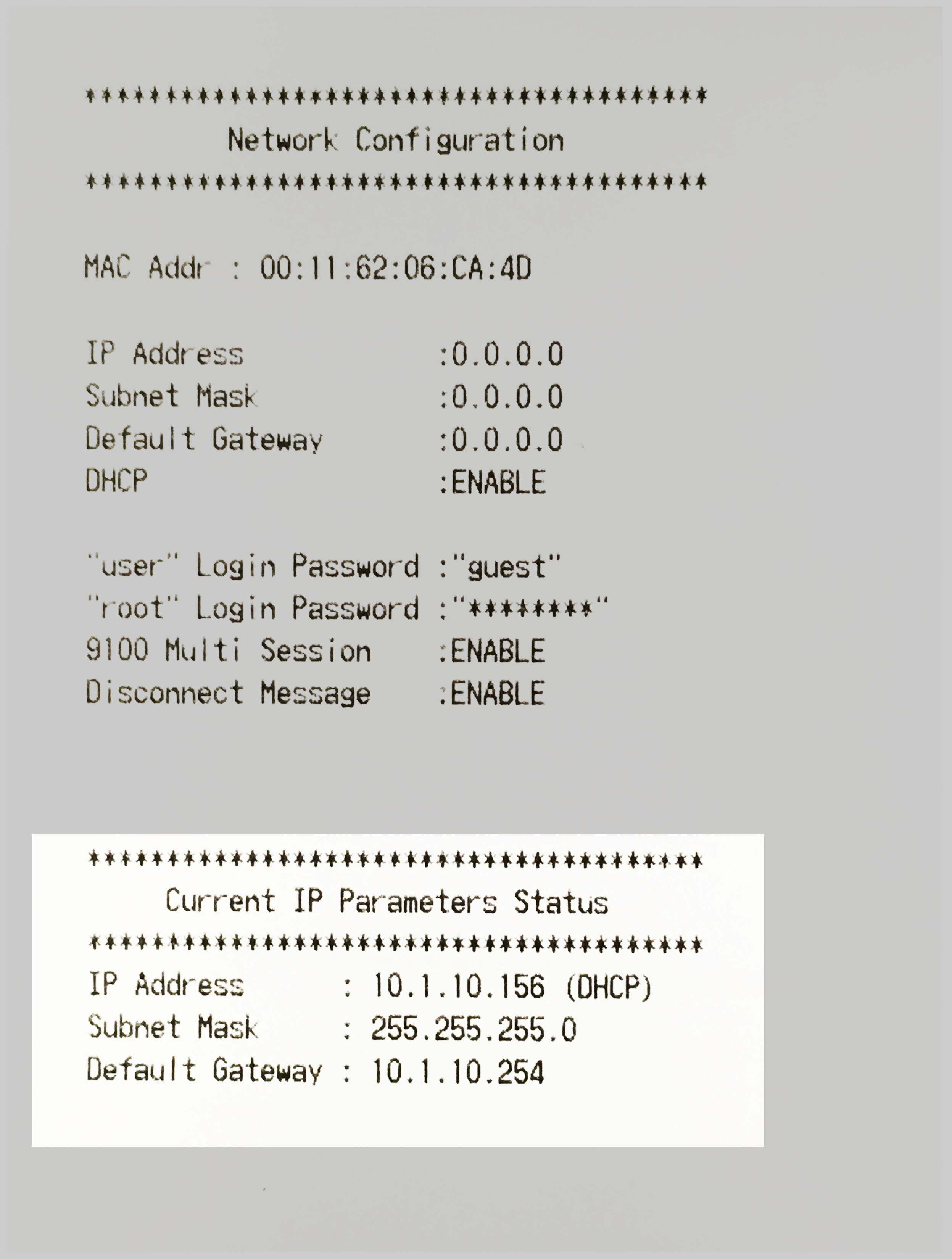
- The printer will then print out a slip, you will see the IP address at the bottom under "Current IP Parameters Status"
Comments
0 comments
Please sign in to leave a comment.