- Select configuration and then Items from the drop down.
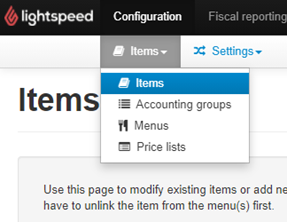
- Search for the item in the item database and select ‘Edit’ Under the action column.

- Scroll down to the tick box section and tick ‘Enable a counter on the items button to restrict the available quantity’. Once ticked scroll down and select save. (Tills will need to be reloaded).

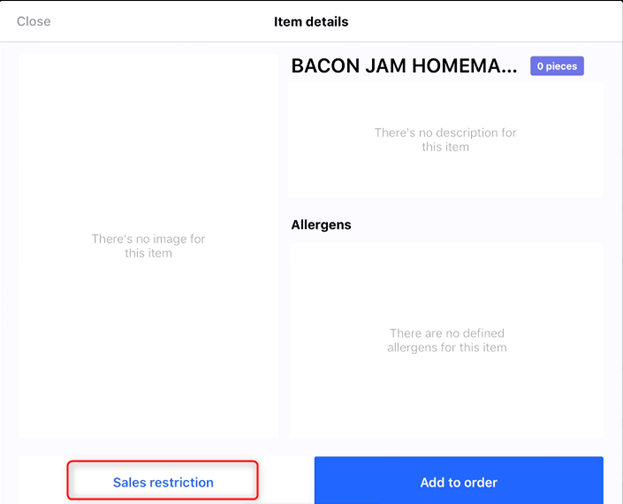
- Find the item on the menu and hold down the button for the item details box to appear, you will then need to select ‘Sales Restriction’. This will give you the option to enter an available item quantity, you can also disable the restrictions from this screen.
Comments
0 comments
Please sign in to leave a comment.