Once a modifier is added on Lightspeed Restaurant (K Series) you can always export the information into a CSV format for use beyond the Back Office. The data will be available at all times.
Exporting production instructions
- Log in to your Back Office with your Lightspeed Restaurant credentials.
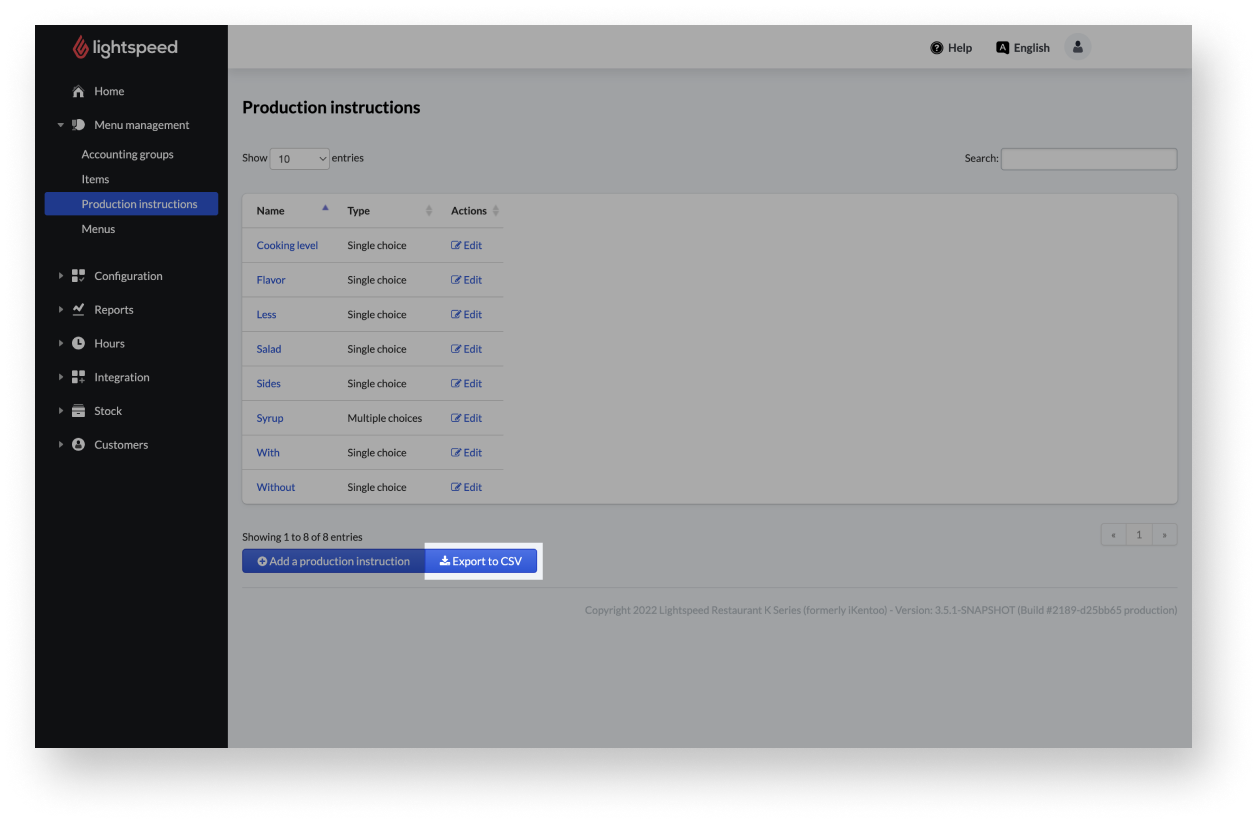
- From the navigation menu, select Configuration > Settings > Production instructions.
- Select the Export to CSV button at the bottom of the production instructions page.
Exporting sub-items
To save your data beyond the Back Office, you can export existing items into a CSV file. The data can be accessed at any time. You cannot only export sub-items, but you can export all items including sub-items from your Back Office.
Comments
0 comments
Please sign in to leave a comment.