Before you can create takeaway orders through Lightspeed POS, you’ll need to set up an account profile in Back Office with Takeaway mode enabled for either delivery or pickup. Note: To make it easier to distinguish between delivery and pickup orders, we recommend setting up a unique account profile for each distribution method—one for delivery and another for pickup.
- Log in to the Back Office with your Lightspeed Restaurant credentials.
- Click Configuration > Settings > Account profiles.
- Click Add an account profile to create a new account profile, or click Edit to modify an existing one.
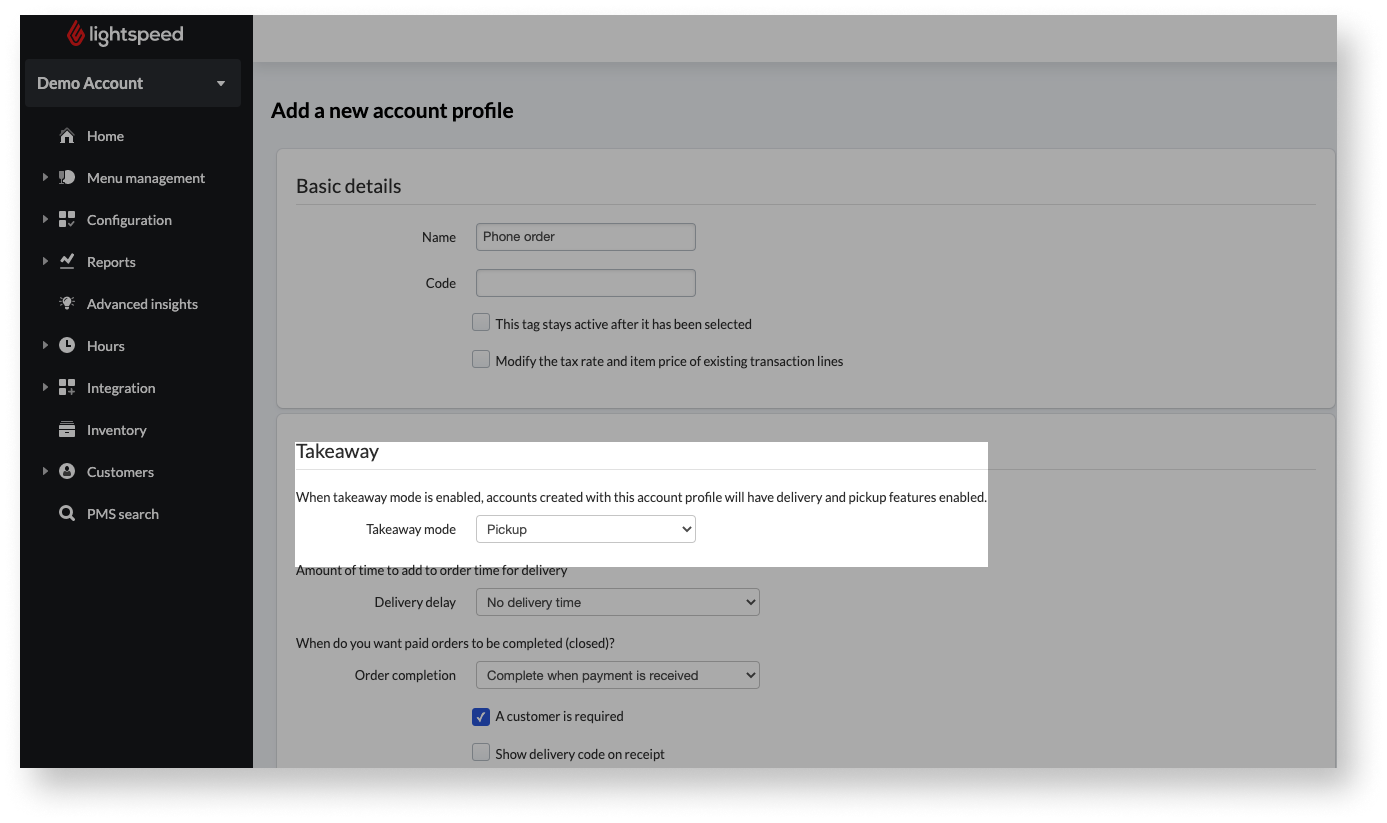
- Enter a name for the account profile. We recommend naming it according to how the order is placed, e.g., In person or Phone order.
- SetTakeaway Mode to either Pickup or Delivery.
- (Optional) Adjust additional settings as necessary.
- Click Save to finish.
Comments
0 comments
Please sign in to leave a comment.