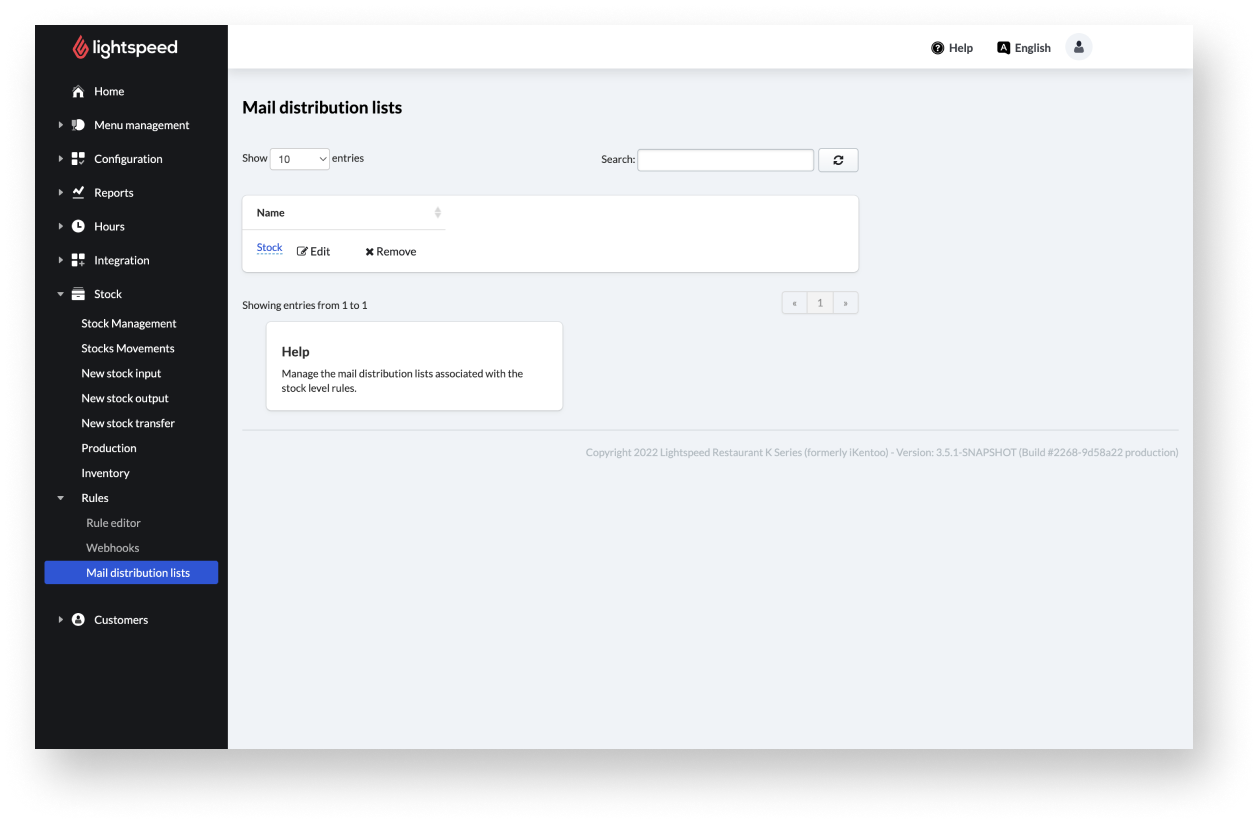
Manage your mail distribution lists associated with the stock level rules. To enter the Mail distribution page, select Stock > Rules > Mail distribution lists from the navigation menu. Edit or delete an existing mail distribution list.
Editing Mail distribution list
- From the navigation menu, select Stock > Rules > Mail distribution lists.
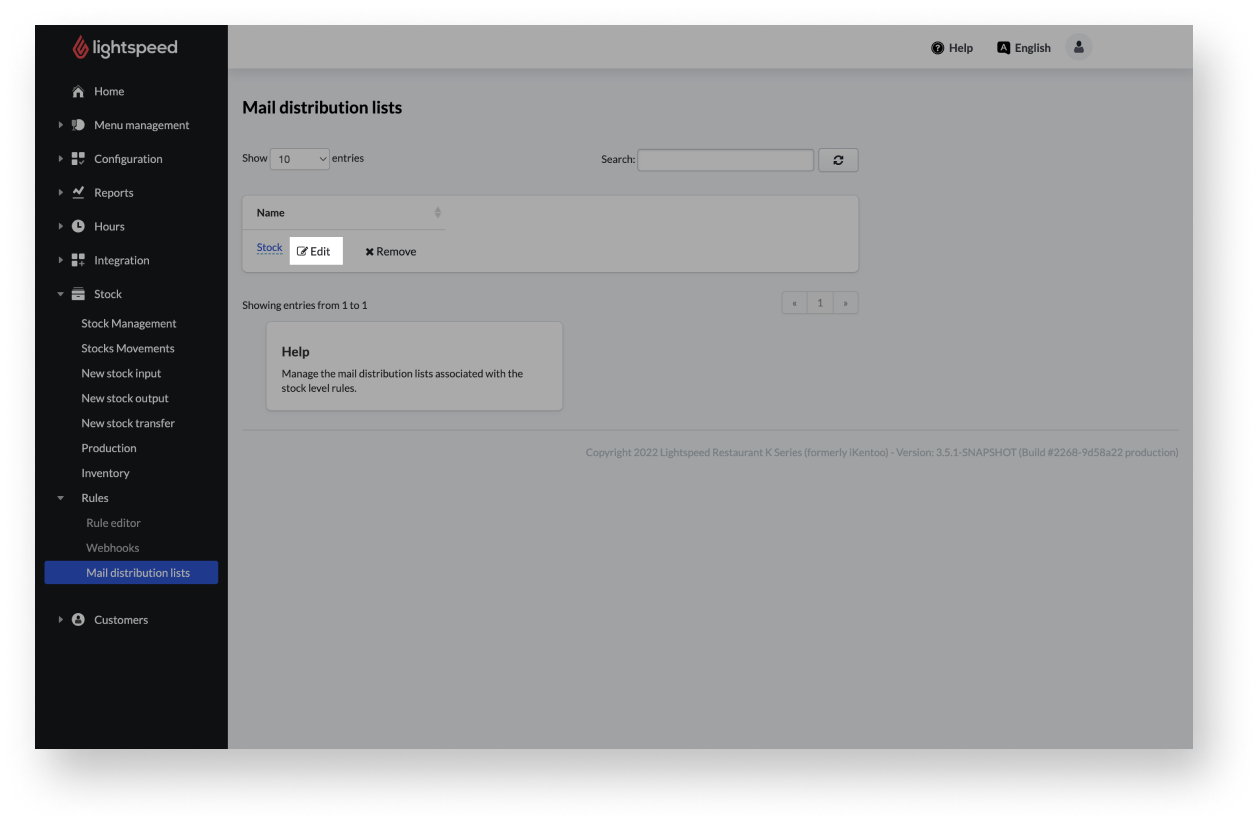
- Select Edit next to the list to be changed.
- Change the name, if desired, in the Distribution list name input field.
- Change email addresses or names using the input fields and use the + or - button next to the email address to add or remove it.
- Click the Save button.
Deleting Mail distribution list
- From the navigation menu, select Stock > Rules > Mail distribution lists.
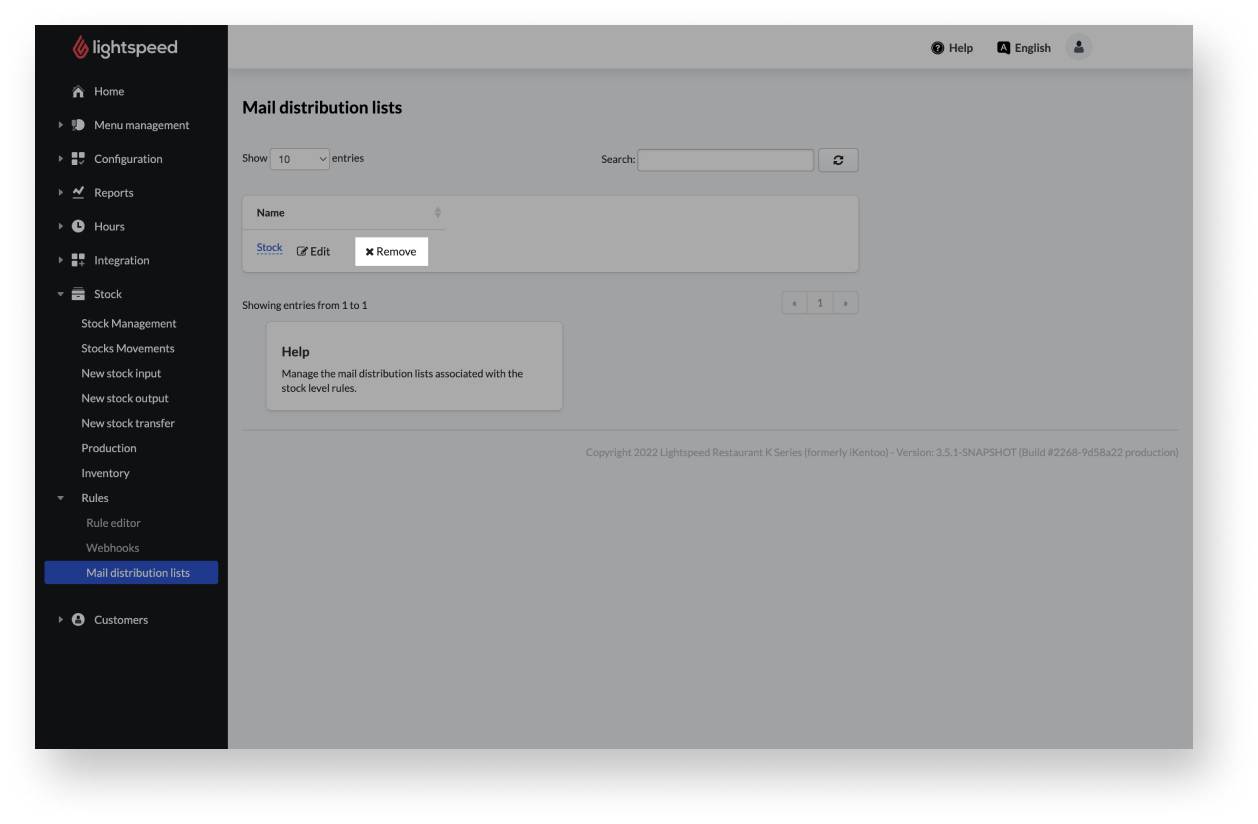
- Select Remove next to the list to be changed.
- Confirm the appearing message box with Ok.
Comments
0 comments
Please sign in to leave a comment.