Things to check before you start:
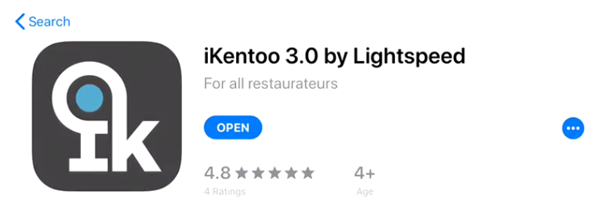
- Make sure the app you are currently using is ‘iKentoo 3.0 by Lightspeed’ and not ‘iKentoo Point of Sale’. iKentoo Point of Sale is V2 and needs another process to upgrade
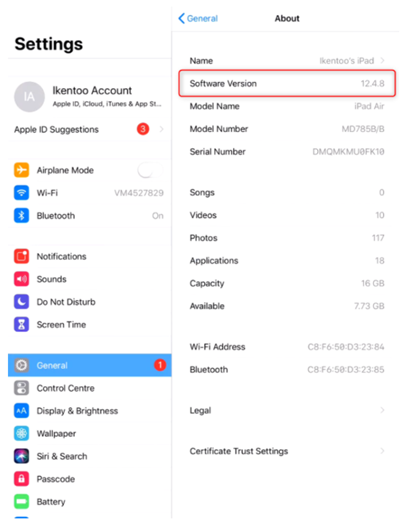
- Make sure all devices are running IOS 13 or above.
Now you have completed the above! You can start!
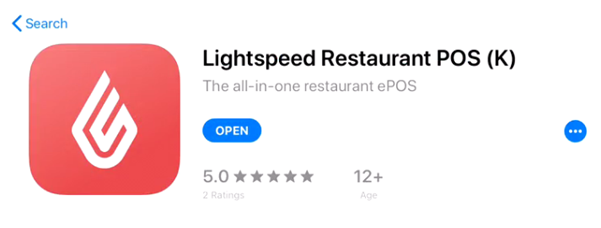
Step 1. Download 'Lightspeed Restaurant POS (K)' on all devices
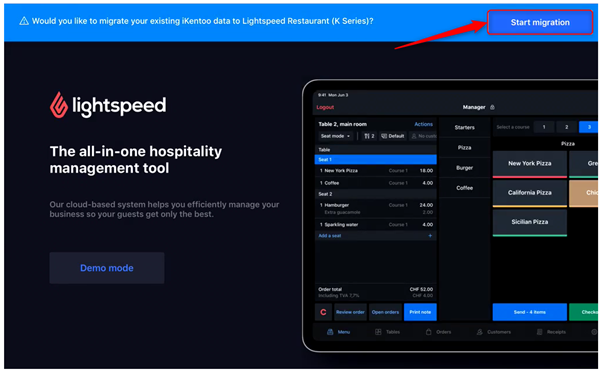
Step 2. Open the new app and select 'Start Migration'.
Step 3. The Migration is now Complete
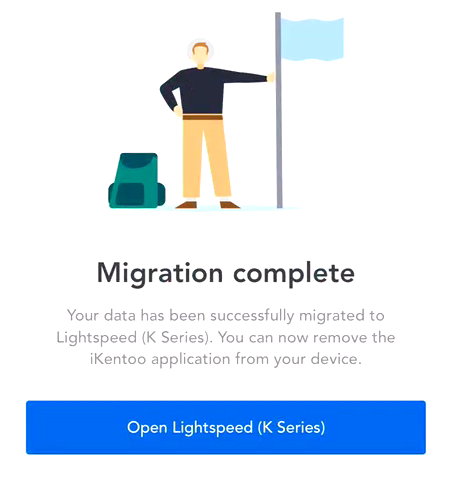
Step 4. Once the migration is complete the old iKentoo app will open and will show ‘Migration is complete’. You will then need to select ‘Open Lightspeed (K Series).
Comments
0 comments
Please sign in to leave a comment.