You can export Back Office users to save and print employee documentation beyond the Back Office so you have access to your data whenever needed, even with no access to Wifi. You can export your data in PDF, CSV and XLS format.
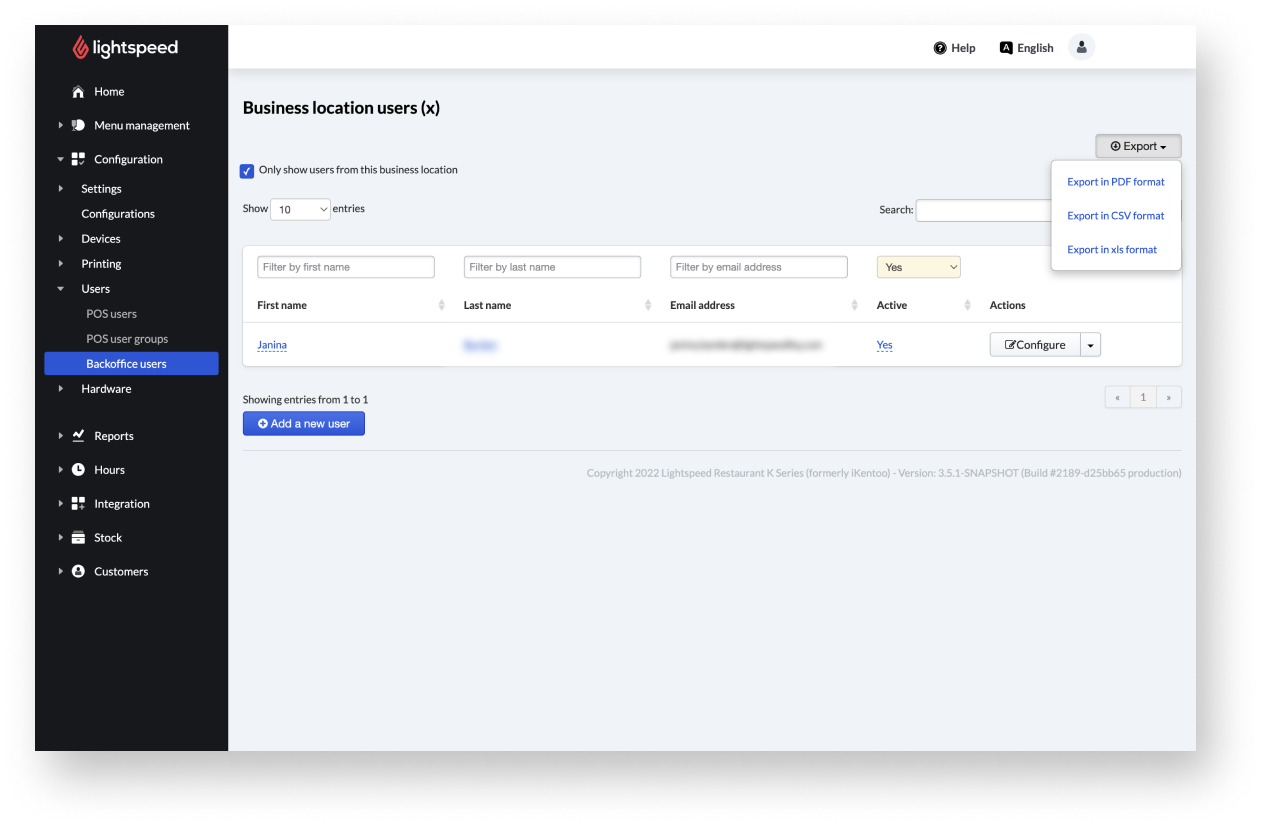
- From the navigation menu, select Configuration > Users > Back Office users.
- Select Export and select the desired export format via the dropdown menu.
Comments
0 comments
Please sign in to leave a comment.