From the Back Office > POS users page, you can add, edit or delete users. The POS users page displays all users who can access the K Series POS app. From the POS user page on the Back Office, you can assign different roles to the user so that only certain areas of the POS are available.
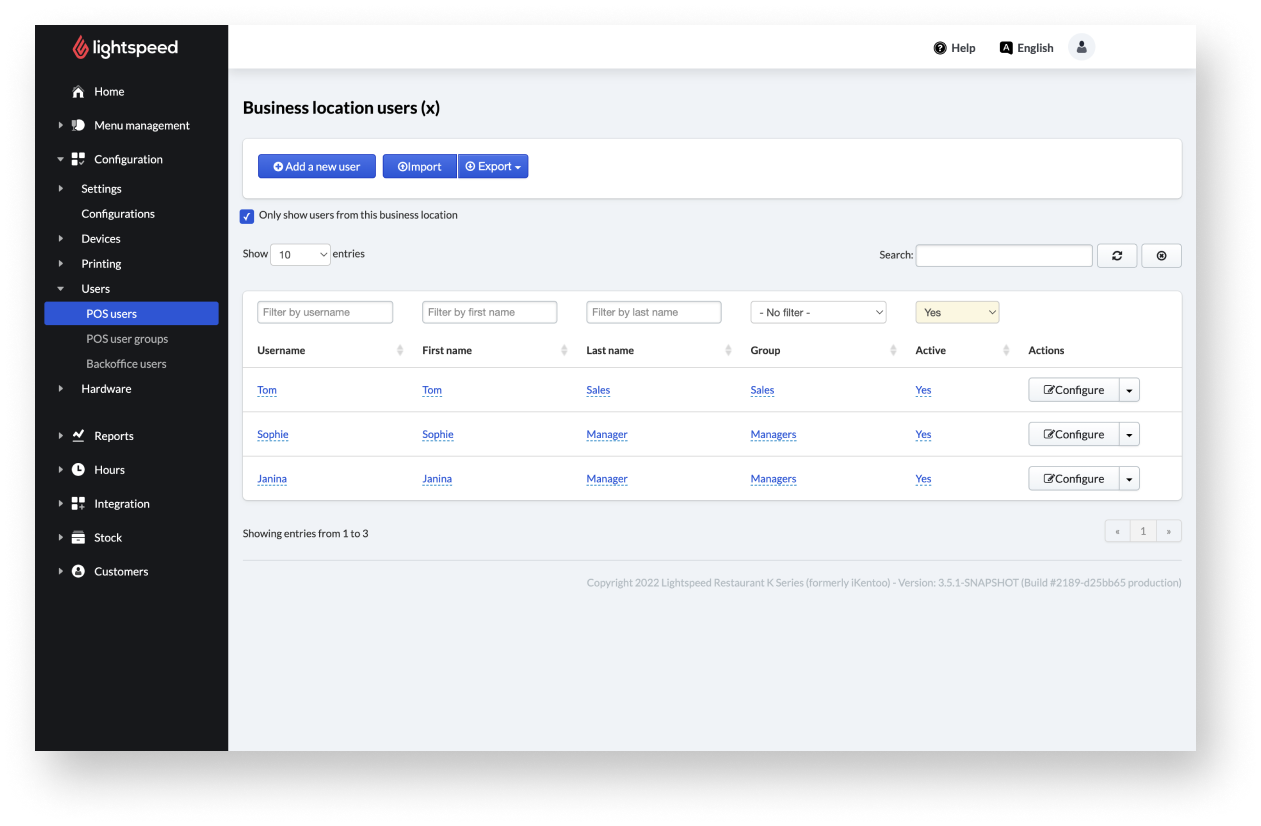
Users on Lightspeed Restaurant represent the staff working at your establishment. Users are configured on the Back Office and displayed on the Restaurant POS app according to their username and user type.
Users can interact with the POS in a number of ways. Some users (such as kitchen staff) may only use the POS for time management by clocking in and out and declaring tips. Some users (such as servers) can use the POS to process orders but do not have as many administrative permissions as a shift manager. Other users (such as shift managers) can perform managerial functions like opening a sales period, counting a cash float, voiding receipts, or running reports. All of these different users interact with the POS according to how their permissions and roles are configured on the Back Office.
Comments
0 comments
Please sign in to leave a comment.